
The Babe with the Power…of Goblin Tools
Okay, there may only be a handful of you who get the reference in the title. It is from a song in one of my favorite movies: Labyrinth. In this movie, the legendary David Bowie plays the Goblin King. Goblin King to Goblin Tools. Get it?
If you haven’t heard of Goblin Tools yet; it is a collection of ways to help organize thoughts, estimate time for tasks, judge the tone of messages, and more. Goblin Tools is accessible on the web for free and $0.99 for the app version.
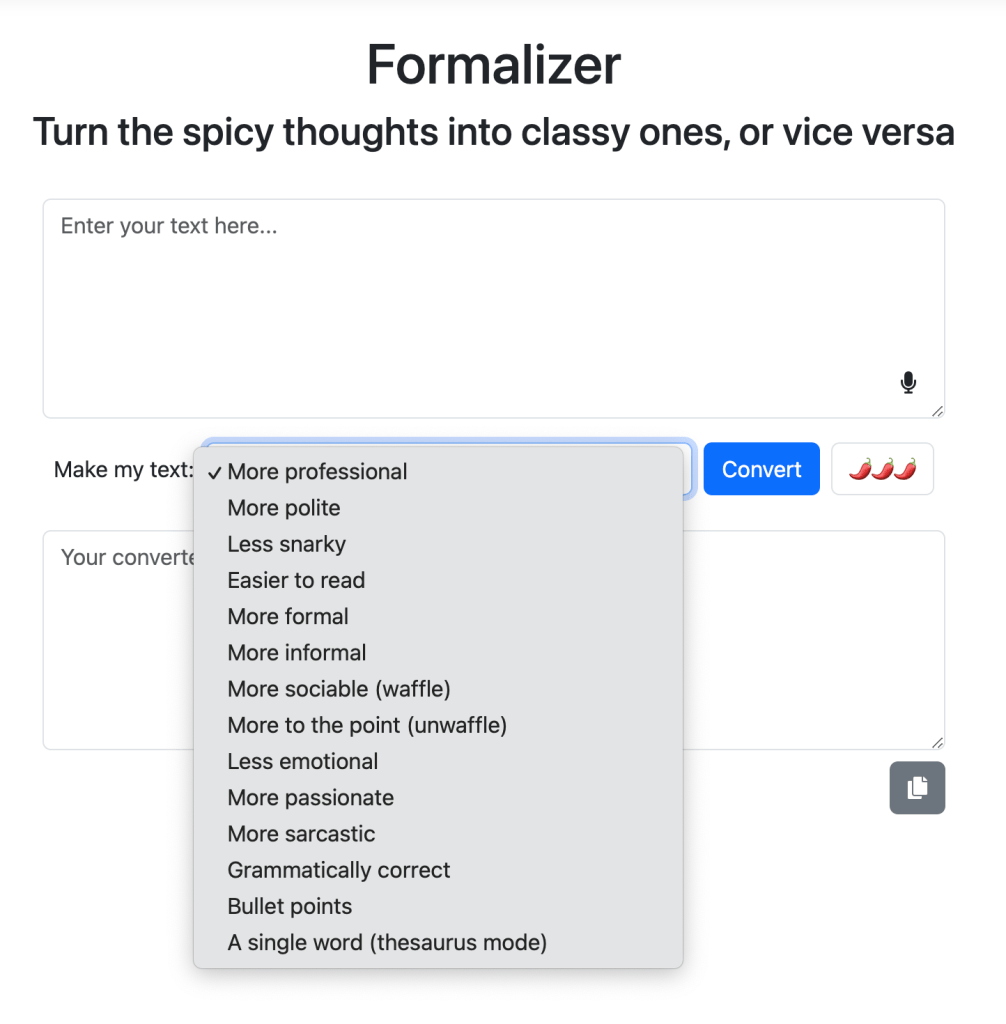
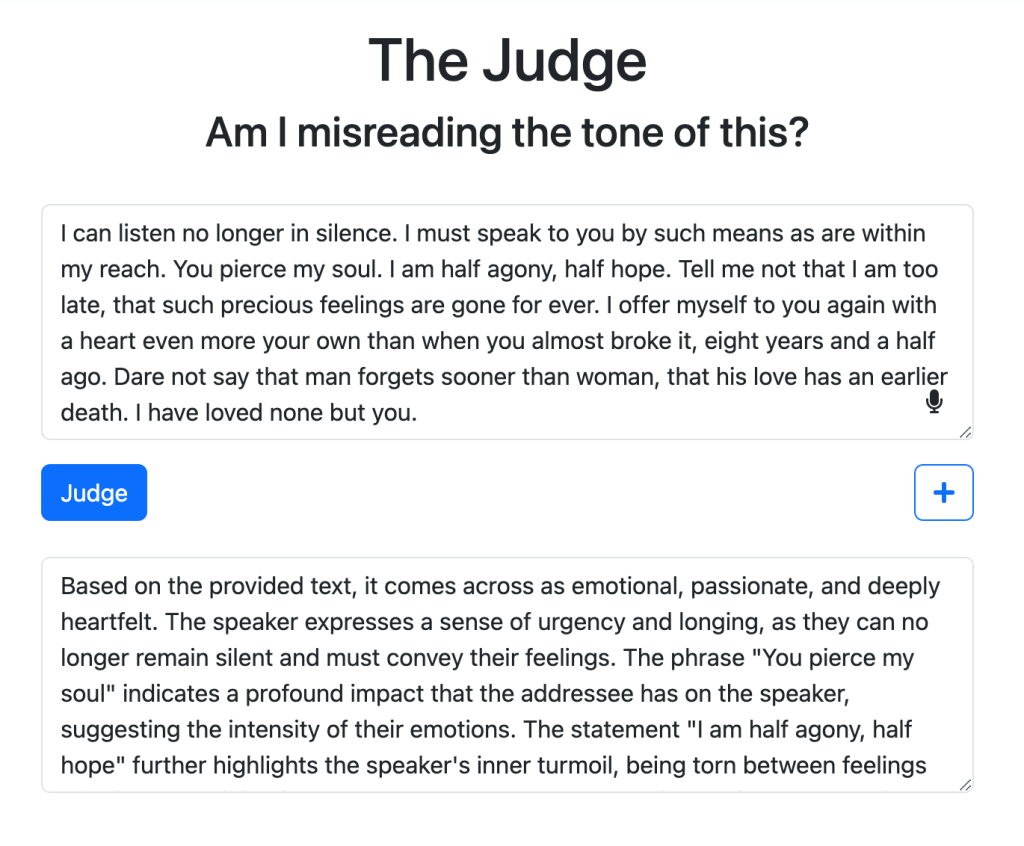
I highly recommend trying the tools Formalizer and Judge first. These are two tools I didn’t realize I needed until I used them.
The Formalizer comes in handy when the more passionate side of me is ready to pop off an email sending someone a piece of my mind or when my thoughts run away from me and I need to slim down the message. The Judge intrigued me because tone can be more difficult to convey through text (hello overuse of emojis).
When I think about uses in the classroom – The Formalizer is a fantastic way to help students understand voice and construct messages for different audiences. Additionally, using the Judge could be an interesting way for students to understand tone in the pieces they read and/or analyze. In both instances, there is also an opportunity for students to discuss and reflect on what Goblin Tools comes up with.
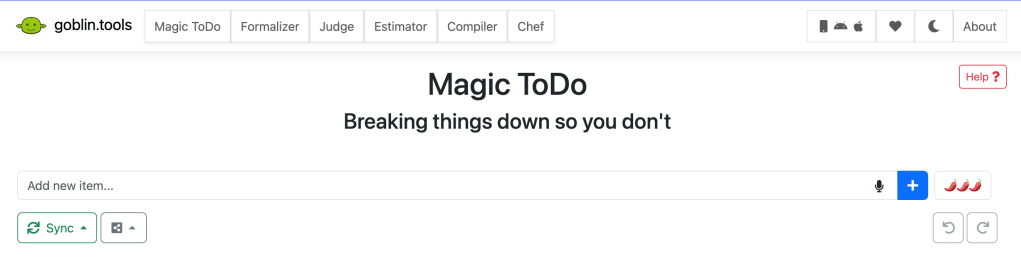
Personally, it was the Magic ToDo that I fell in love with. I struggle breaking down larger tasks and often underestimate how long they can take to complete. Goblin Tool‘s Magic ToDo takes my task list and breaks it down for me while also estimating how long it should take me to complete each step! Check out how quickly it broke down cleaning out my closet:
The Magic ToDo helps me organize all aspects of my job as well!
I am able to let it know how detailed to get with each step. I can add subtasks or hit the magic wand and let Goblin Tools do it for me. While the web version is available for free, I went ahead and purchased the app so I am able to sync between the web and my phone.
I think about the students I taught who had a hard time organizing their thoughts or needed more support in listing steps for tasks like writing essays, completing projects, group work, etc. Word problems in math also come to mind. I wonder if the Magic ToDo could help some students with breaking down these kind of problems before solving them.
Focusing on using this tool during the process of learning and not just expecting it to create a product for a grade also helps students understand the appropriate way to incorporate AI into learning.
There is so much Goblin Tools can do. I encourage you to give them a try!
 An Educational Cup of Tea